
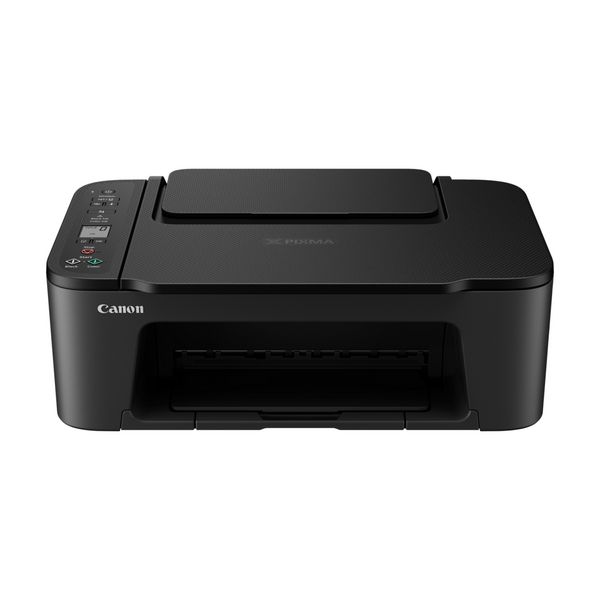
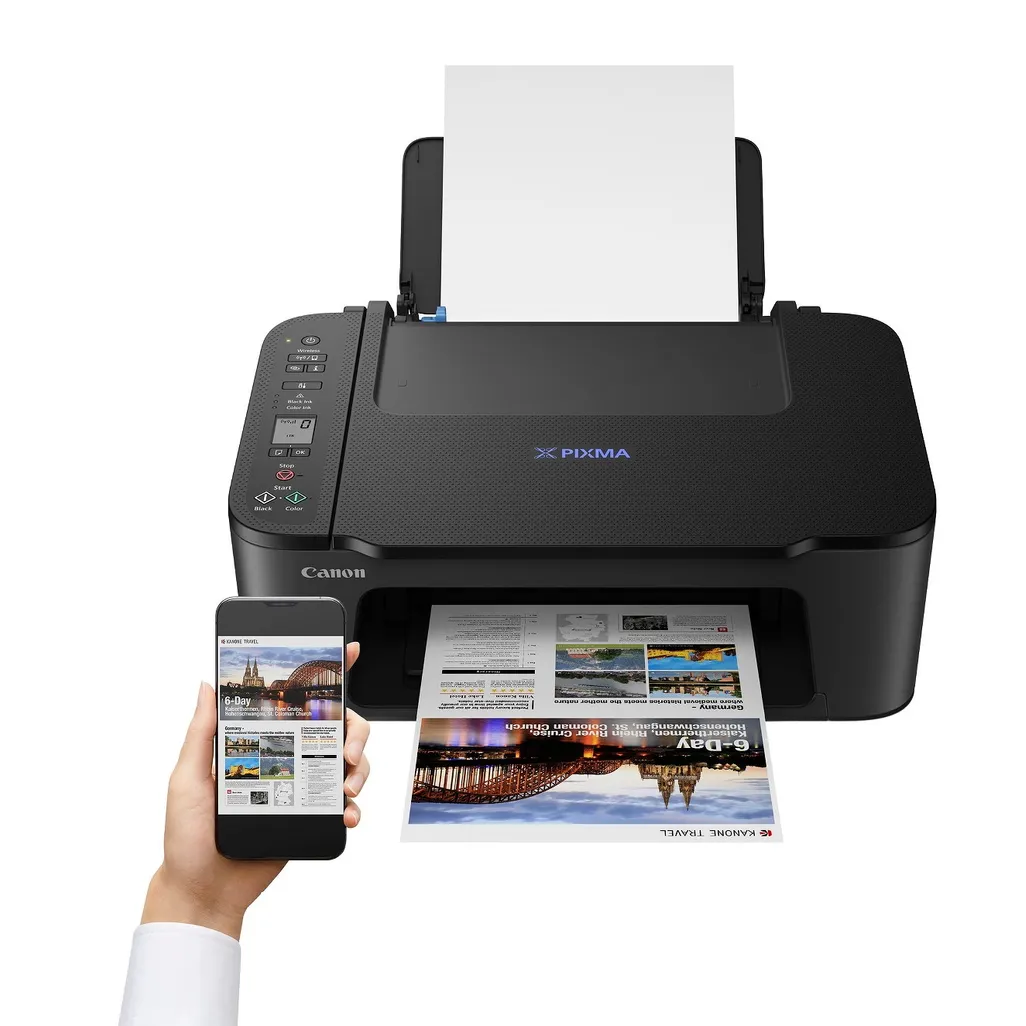
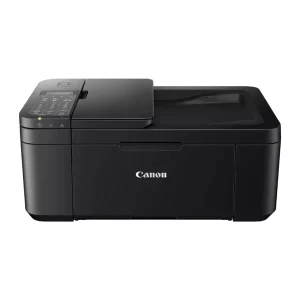
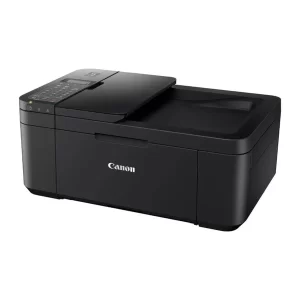
Pixma TS3440 Print, copy and scan with our entry-level multifunction printer for home and office. It’s super simple to set up and use and allows smartphone printing for extra versatility.
-
Smart simplicity
With a compact, modern design and excellent value, you can print, scan and copy effortlessly. It’s so easy!
-
Compatible with your tech
You can print, copy and scan from your tablet or smartphone, with wireless compatibility and a clean, simple interface
-
Super-simple setup
You’ll be up and running in less time than ever with one-touch wireless connectivity and an easier setup procedure
-
Seeing is believing
Status updates are shown in plain sight on the crystal-clear 1.5” mono-segment LCD screen
-
Live without borders
You can print borderless photos up to 5×7” in size; a 4×6” photo prints in just 65 seconds1. Connect directly to your camera with Wi-Fi PictBridge technology.
Specifications
-
Easy ink replacement
FINE cartridges
-
Stay connected
Canon PRINT app, AirPrint (iOS) and Mopria (Android)
-
Head in the cloud
PIXMA Cloud Link via the Canon PRINT app
-
Load with confidence
Rear paper feed
-
Clear screen
1.5” mono LCD
-
-
Power saving
Auto on/off feature
-
Crisp and clear
Sharp document text
-
Printing to the edge
Borderless photos up to 5”x7”
Network
| Wi-Fi | Y |
|---|---|
| Wi-Fi standards | 802.11b,802.11g, Wi-Fi 4 (802.11n) |
| Ethernet LAN | N |
| Security algorithms | WEP, WPA-PSK, WPA2-PSK |
| Mobile printing technologies | Apple AirPrint, Mopria Print Service, PIXMA Cloud Link |
Design
| Product colour | Black |
|---|---|
| Built-in display | N |
| Market positioning | Home & Office |
Power
| AC input voltage | 100 – 240 |
|---|---|
| Power consumption (off) | 0.3 |
| AC input frequency | 50/60 |
| Power consumption (copying) | 9 |
Weight & dimensions
| Width | 435 |
|---|---|
| Weight | 4000 |
| Depth | 327 |
| Height | 145 |
Features
| Printing colours | Black |
|---|---|
| Number of print cartridges | 2 |
System requirements
| Mobile operating systems supported | Android,iOS |
|---|---|
| Windows operating systems supported | Windows 10,Windows 7,Windows 8.1 |
| Mac operating systems supported | Mac OS X 10.13 High Sierra,Mac OS X 10.14 Mojave,Mac OS X 10.15 Catalina,Mac OS X 10.15.3 Catalina,Mac OS X 10.2 Jaguar,Mac OS X 10.3 Panther,Mac OS X 10.4 Tiger,Mac OS X 10.5 Leopard,Mac OS X 10.6 Snow Leopard,Mac OS X 10.7 Lion,Mac OS X 10.8 Mountain Lion,Mac OS X 10.9 Mavericks,Mac OS X 11.0 Big Sur |
Ports & interfaces
| USB port | Y |
|---|---|
| USB connector | USB Type-B |
Operational conditions
| Operating relative humidity (H-H) | 10 – 80 |
|---|---|
| Storage temperature (T-T) | 15 – 30 |
Scanning
| Optical scanning resolution | 600 x 1200 |
|---|---|
| Input colour depth | 16 |
| Output colour depth | 8 |
| Output greyscale depth | 8 |
| Scanning | Colour scanning |
| Input greyscale depth | 16 |
| Scan technology | CIS |
| Scanner type | Flatbed scanner |
Paper handling
| Maximum ISO A-series paper size | A4 |
|---|---|
| ISO A-series sizes (A0…A9) | A4,A5 |
| ISO B-series sizes (B0…B9) | B5 |
| Non-ISO print media sizes | Legal (media size),Letter (media size) |
| Paper tray media weight | 64 – 105 |
| Paper tray media types | Photo paper,Plain paper |
| Custom media width | 89 – 215.9 |
| Custom media length | 127 – 676 |
| Photo paper sizes | 10×15,13×18,13×13 |
Printing
| Print technology | Inkjet |
|---|---|
| Printing | Colour printing |
| Maximum resolution | 4800 x 1200 |
| Borderless printing | Y |
Copying
| Copier resize | 25 – 400 |
|---|---|
| Maximum copy size | A4 |
Fax
| Faxing | N |
|---|
Input & output capacity
| Total number of input trays | 1 |
|---|---|
| Total input capacity | 60 |
What’s in the box
All you need to get set up and be ready to roll in no time.
-
All-in-one printer – PIXMA TS3440
-
FINE cartridges
-
Power cord
-
Set-up CD-ROM (CD only for Windows)
-
Manuals and other documents
 No products in the cart.
Reviews
There are no reviews yet.