
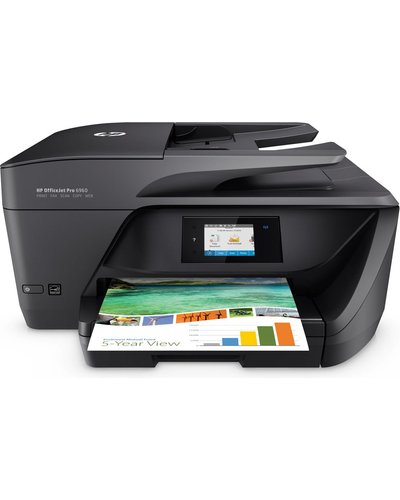
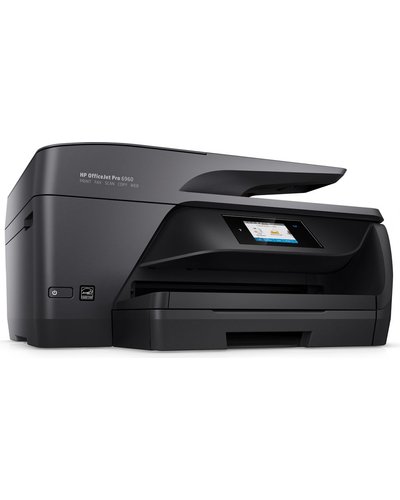
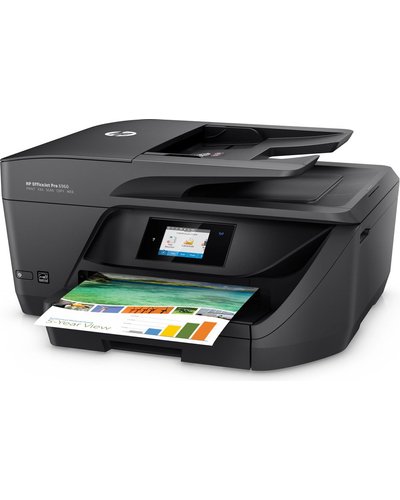

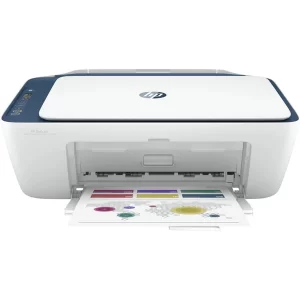
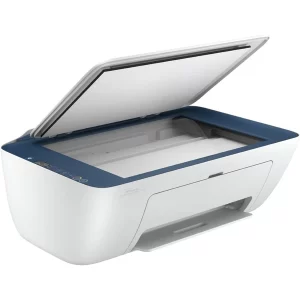
HP OfficeJet Pro 6960 Wireless 4-in-1 Printer J7K33A
Remarkable value for professional, in-office colour
– Manage your budget with professional-quality colour at up to 50% less cost per page than lasers.1
– Print up to 5x as many black text pages with optional Original HP high-yield ink cartridges.
– Produce professional-quality colour and black text that’s perfect for printing reports, charts, and more.
– Rely on Original HP pigment inks for durable prints that resist water and last for decades.
Easy mobile printing, seamless mobile setup
– Easily print from a variety of smartphones and tablets.8
– Connect a smartphone or tablet directly to the printer and easily print without a network.
– Print wirelessly, and share this all-in-one with other wireless-enabled devices.
– Easily manage printing tasks and scan on the go, with the HP All-in-One Printer Remote mobile app.
Handle more tasks without slowing down
– Set the pace for success with rapid print, scan, and copy speeds.
– Save paper and conserve resources—consume up to 50% less paper with automatic two-sided printing.
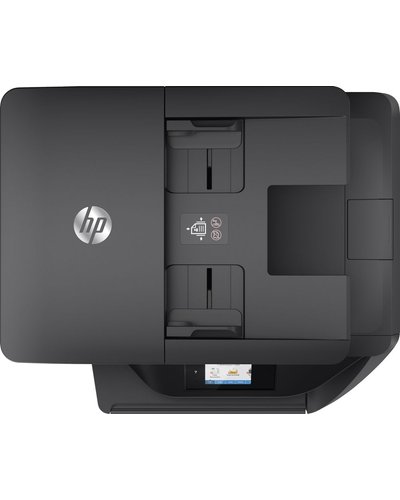
– Quickly copy, scan, and fax multipage documents with the 35-page automatic document feeder.
– Tap and swipe the touchscreen the same way you would in a smartphone and get instant access to essential tasks.
| Connectivity | |
| Connectivity, standard | 1 Hi-Speed USB 2.0 |
|---|---|
| Wireless capability | Yes, built-in Wi-Fi 802.11b/g/n |
| Ethernet capability | Yes 1 x RJ45 port |
| Fax capability | Yes< 2 x RJ 11 ports/td> |
| Mobile printing capability | HP ePrint Apple AirPrint™ Wireless Direct Printing |
| Print Speed | |
| Print speed | Black – Professional Mode: Up to 18 ppm, General Office Mode: Up to 30 ppm
Colour – Professional Mode: Up to 10 ppm, General Office Mode: Up to 26 ppm |
| First page out black (A4, ready) | As fast as 12 sec |
| First page out colour (A4, ready) | As fast as 15 sec |
| Paper Handling | |
| Paper handling input, standard | 225-sheet input tray |
| Paper handling output, standard | 60-sheet output tray |
| Automatic Document Feeder, standard | 35 sheets |
| Duplex Printing | Automatic (standard) |
| Maximum print area | 216 x 297 mm |
| Borderless Printing (A4) | Yes |
Please Note The Printer is Second Hand and The Printer Ink Cartridge need to be fixed

Reviews
There are no reviews yet.